
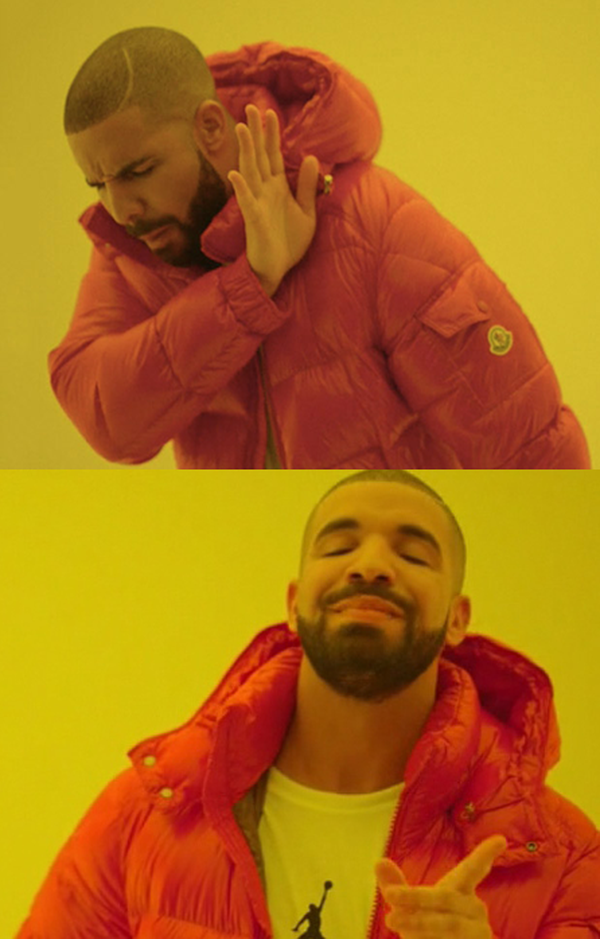


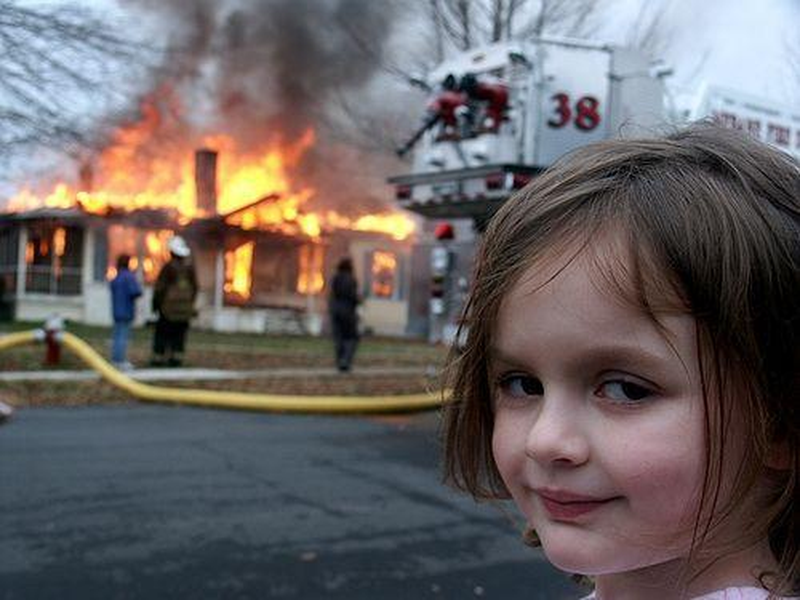
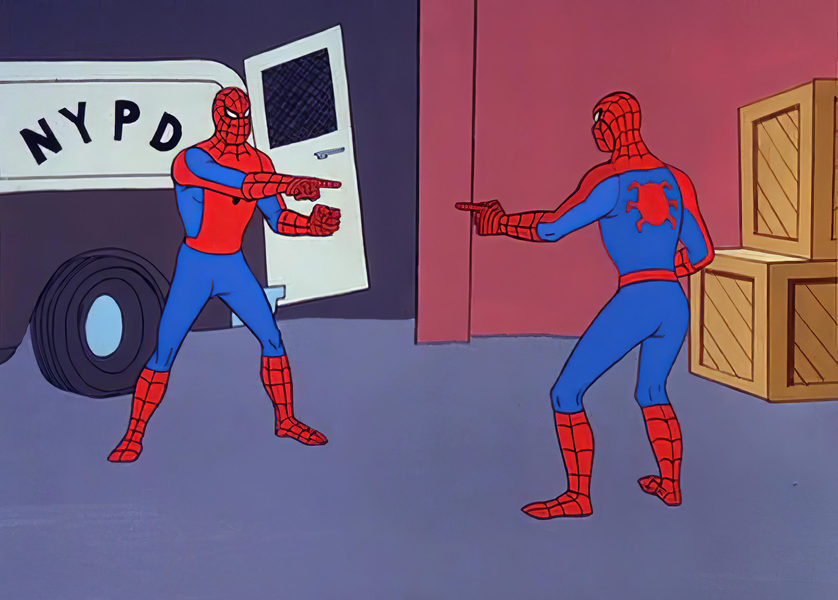


What is Meme Maker?
Meme Maker is a free, powerful online meme generator that lets you create hilarious, share-worthy memes in seconds. Whether you want to add classic Impact-font text to a funny photo, create a reaction meme for your group chat, or build custom memes for your social media following, our Meme Maker gives you all the tools you need — directly in your browser, with no downloads, no signups, and absolutely no watermarks on your creations.
Memes have become the universal language of internet culture. From social media posts and messaging apps to marketing campaigns and educational content, memes communicate ideas with a combination of visual humor and clever text that no other medium can match. Our Meme Maker puts the power of professional meme creation in your hands, with customizable fonts, colors, stroke styles, and sizing options that let you create memes that look polished and professional — or intentionally silly, because sometimes that is exactly the point.
Privacy and convenience are built into every aspect of our tool. Unlike many online meme generators that upload your images to their servers (where they could be stored, shared, or used without your knowledge), our Meme Maker processes everything locally in your browser using the HTML5 Canvas API. Your images never leave your device, making it safe to create memes from personal photos, work images, or any content you prefer to keep private.
The tool features real-time preview so you can see exactly how your meme will look as you type, adjust fonts, and change colors. With support for multiple font families (including the iconic Impact font), adjustable text size from 16px to 120px, customizable text color and stroke color, and variable stroke width, you have complete creative control over your memes. When you are satisfied, download your creation in PNG, JPEG, or WebP format — ready to share with the world.
Key Features
- Classic Meme Fonts: Choose from Impact (the classic meme font), Arial Black, Comic Sans, Helvetica, Times New Roman, Courier New, Georgia, and Poppins to match any meme style from timeless to modern.
- Top & Bottom Text: Add text to both the top and bottom of your image — the classic meme format that has defined internet humor for over a decade.
- Adjustable Font Size: Scale your text from 16px to 120px with a precision slider, perfect for fitting long phrases or making short, impactful statements pop.
- Custom Text Colors: Pick any fill color for your text using the color picker. White is classic, but neon green, bright red, or any color is just a click away.
- Text Stroke/Outline: Add a customizable stroke around your text with adjustable width (0-10px) and color. Black stroke on white text is the meme classic, but any combination works.
- Real-Time Preview: See your meme update instantly as you type, change fonts, or adjust colors. No waiting, no render button — everything happens live on the canvas.
- 100% Local Processing: All meme creation happens in your browser using Canvas API. Your images are never uploaded to any server, ensuring complete privacy.
- No Watermarks: Every meme you download is completely clean — no branding, no watermarks, no hidden text. The meme is entirely yours.
- Multiple Output Formats: Download your memes as PNG (highest quality), JPEG (smaller file size for sharing), or WebP (best compression) to suit any platform.
- Mobile Optimized: Fully responsive design works perfectly on smartphones and tablets. Create memes on the go, right from your phone's browser.
- No Registration: Start creating memes immediately without accounts, emails, or personal information. Just upload, text, and download.
- Dark/Light Theme: Switch between dark and light modes for comfortable meme creation in any lighting environment.
How to Create Memes - Step by Step
- Upload Your Image: Click the upload area or drag and drop your image. We support JPG, PNG, WebP, and BMP formats up to 10MB. Use any photo — a funny screenshot, a reaction image, a photo of your friend, or anything that inspires a meme.
- Enter Top Text: Type your meme's top text in the "Top Text" field. This usually sets up the joke or context. Pro tip: ALL CAPS is the classic meme style. The canvas preview updates in real-time as you type.
- Enter Bottom Text: Type the punchline or reaction in the "Bottom Text" field. This is where the humor lands. Keep it short and punchy for maximum impact and shareability.
- Choose Your Font: Select from 8 font options. Impact is the timeless meme classic, but try Arial Black for a modern feel or Comic Sans for ironic humor. Each font changes the meme's personality dramatically.
- Customize Appearance: Adjust font size with the slider, pick your text and stroke colors, and set the stroke width. White text with a thick black stroke works on virtually any background image and is the industry standard.
- Download & Share: Click Download Meme to save your creation. Choose PNG for maximum quality, JPEG for smaller file size when sharing in group chats, or WebP for the best balance. Then share your masterpiece everywhere!
Pro Tip: The best memes are relatable, timely, and concise. A meme with 3-6 words per line typically performs better than one with long sentences. The image should do most of the storytelling, with your text adding the comedic twist.
Why Choose Prompt Minds Meme Maker?
Prompt Minds has built this Meme Maker to be the simplest yet most powerful free meme creation tool on the internet. We have studied what makes memes go viral and designed our tool to give you every creative option you need — without the bloat, complexity, or paywalls that plague other meme generators. Our tool loads instantly, works offline as a PWA, and never shows you ads before your download.
Privacy matters, even for meme creation. Many popular meme websites upload your images to their servers, where they can be stored indefinitely, used for analytics, or even repurposed. Our Meme Maker processes everything locally in your browser. This means you can safely create memes from personal photos, proprietary content, or any image without worrying about data leaks or unauthorized access to your content.
The real-time preview feature sets our tool apart from competitors that require you to click "Generate" and wait. With our Canvas-based renderer, every keystroke, font change, and color adjustment appears instantly on your meme preview. This interactive feedback loop helps you iterate on your meme text and styling until it is absolutely perfect before downloading.
We are committed to keeping this tool free forever — no premium tiers, no "pro" features behind paywalls, no limits on how many memes you can create. Our text stroke system supports any combination of fill and outline colors at any width, giving you the flexibility to create memes that work on any background color. Combined with our PWA support for offline usage and our Progressive Web App installation capability, Meme Maker is truly the most accessible meme creation tool available.
10 Real-World Use Cases
- Social Media Humor: Create and share funny memes on Instagram, Twitter, Facebook, and Reddit to grow your following and boost engagement with relatable, humorous content your audience loves.
- Group Chat Entertainment: Make reaction memes from inside jokes with friends and family. Custom memes featuring familiar faces and shared experiences create priceless moments in group conversations.
- Marketing & Branding: Brands use memes to connect with younger audiences authentically. Create branded memes that showcase your product's personality while capitalizing on trending formats.
- Educational Content: Teachers and professors create memes to make complex subjects more engaging and memorable. A well-placed meme about physics or history can make concepts stick with students.
- Team Building: Create work-appropriate memes for Slack, Teams, or email to lighten the mood, celebrate achievements, and build team culture in remote and hybrid work environments.
- Event Promotion: Generate eye-catching memes to promote parties, concerts, fundraisers, and community events. Memes get shared more than traditional flyers, expanding your reach organically.
- Personal Celebrations: Create custom birthday memes, anniversary celebrations, and congratulatory posts using personal photos with funny captions that make the honoree laugh.
- Content Creation: YouTubers, TikTokers, and bloggers use memes as thumbnails, in-video graphics, and social media cross-promotion to drive engagement and views across platforms.
- Political & Social Commentary: Memes have become a powerful form of political and social expression. Create commentary that resonates with your community through visual humor.
- Gaming Communities: Create gaming memes from in-game screenshots, fail compilations, and community inside jokes to share on Discord, Reddit, and gaming forums.
Common Mistakes to Avoid
- Too Much Text: The best memes are concise. If your text wraps to more than 2-3 lines, it is too long. Edit ruthlessly — every extra word weakens the punchline.
- Wrong Font Choice: Impact is classic for a reason — it is bold, readable at any size, and universally associated with memes. Using thin or decorative fonts makes memes harder to read and less impactful.
- No Text Stroke: Without a stroke/outline, text becomes invisible on backgrounds with similar colors. Always use at least 2-3px black stroke on white text for maximum readability.
- Low Resolution Images: A pixelated, blurry image makes the entire meme look low-quality. Use clear, high-resolution source images for professional-looking results.
- Explaining the Joke: If you need to explain why your meme is funny, it is not working. Good memes are immediately understood by the target audience without explanation.
- Ignoring Timing: Memes based on current events and trends have a short viral window. Create and share timely memes quickly before the trend passes for maximum reach.
Frequently Asked Questions / FAQs
How do I create a meme? / Online meme kaise banayein?
Simply upload any image, type your top and bottom text, customize the font, colors, and stroke, then click Download Meme. / PromptMinds par meme banana behad aasan hai - bas apni photo upload karein, text enter karein aur Download button par click karein. Kuch hi seconds mein aapka viral meme taiyar!
Is the Meme Maker free? / Kya yeh Meme Generator free hai?
Yes, completely free with no watermarks, no registration, and unlimited usage. / Haan, PromptMinds ka meme maker completely free hai. Isme na toh koi signup ki zaroorat hai aur na hi download karne par koi watermark aata hai. Aap jitne chahein utne memes bilkul free bana sakte hain.
How to make a viral meme? / Ek viral aur funny meme kaise banayein?
Relatable topic choose karo, simple text rakho, aur WhatsApp/Instagram par share karo. / Sabse pehle ek trending aur relatable template select karein. Apne caption ya text ko short aur funny rakhein, aur phir use WhatsApp, Instagram ya Twitter par share karein. PromptMinds ka WhatsApp Share button is process ko instant bana deta hai.
What is the best meme generator? / Sabse achha meme maker kaunsa hai?
PromptMinds is the best online meme generator as it is free, fast, private, has no watermarks, and offers direct WhatsApp sharing. / PromptMinds sabse best meme generator hai kyunki yeh 100% browser-based hai, private hai, download par koi watermark nahi lagata, aur isme trending templates ke saath WhatsApp sharing ka automatic support milta hai.
Are my images uploaded to any server?
No. All meme creation happens 100% locally in your browser using the Canvas API. Your images never leave your device, making it completely safe for personal and confidential content.
What fonts are available?
We offer 8 font options: Impact (classic meme font), Arial Black, Comic Sans, Helvetica, Times New Roman, Courier New, Georgia, and Poppins. Impact with white fill and black stroke is the timeless meme standard.
Can I customize text colors?
Yes! Use our color pickers to choose any fill color and stroke (outline) color. You can also adjust the stroke width from 0px (no outline) to 10px (very thick outline) for complete customization.
What image formats are supported?
Input: JPG/JPEG, PNG, WebP, and BMP up to 10MB. Output: PNG (highest quality), JPEG (smaller file for sharing), or WebP (best compression-quality balance).
Does it work on mobile devices?
Yes! Our tool is fully responsive and optimized for smartphones and tablets. Create memes directly on your phone and share them immediately — no app download needed.
Will my memes have watermarks?
No. All memes you create and download are completely watermark-free. We believe in providing genuinely free tools without hidden catches.
Can I add only top text or only bottom text?
Yes! Both text fields are optional. You can add text to just the top, just the bottom, both, or neither (for when you just need the image). The tool adapts to your creative vision.
What font size should I use?
For most memes, 40-60px works well as a starting point. Adjust based on text length and image size. Shorter text can be larger (60-80px), while longer phrases work better at 30-45px.
Can I use memes for commercial purposes?
The meme you generate is yours to use freely. However, always ensure you have the right to use the source image commercially. Original photos are safest for commercial meme use.
What browsers are supported?
All modern browsers: Chrome, Firefox, Safari, Edge, Opera, and their mobile versions work perfectly. Use the latest browser version for best rendering quality.
Start Making Memes Now!
Upload your image and create hilarious memes in seconds — it's free, instant, and completely private!
Explore More Prompt Minds Tools
Our Meme Maker is just one creative tool in the Prompt Minds suite. For adding professional text overlays to photos, check out our Watermark Tool. Want to combine multiple memes into one image? Our Collage Maker creates stunning layouts. Before uploading memes to social media, optimize file sizes with our Image Compressor.
Looking for more creative possibilities? Our Insta Filters tool adds Instagram-style effects to your photos before turning them into memes. Need to resize memes for specific platforms? Use our Image Resizer for pixel-perfect dimensions. Remove backgrounds with our Background Remover to create transparent meme templates. Explore all tools at the Prompt Minds homepage.